

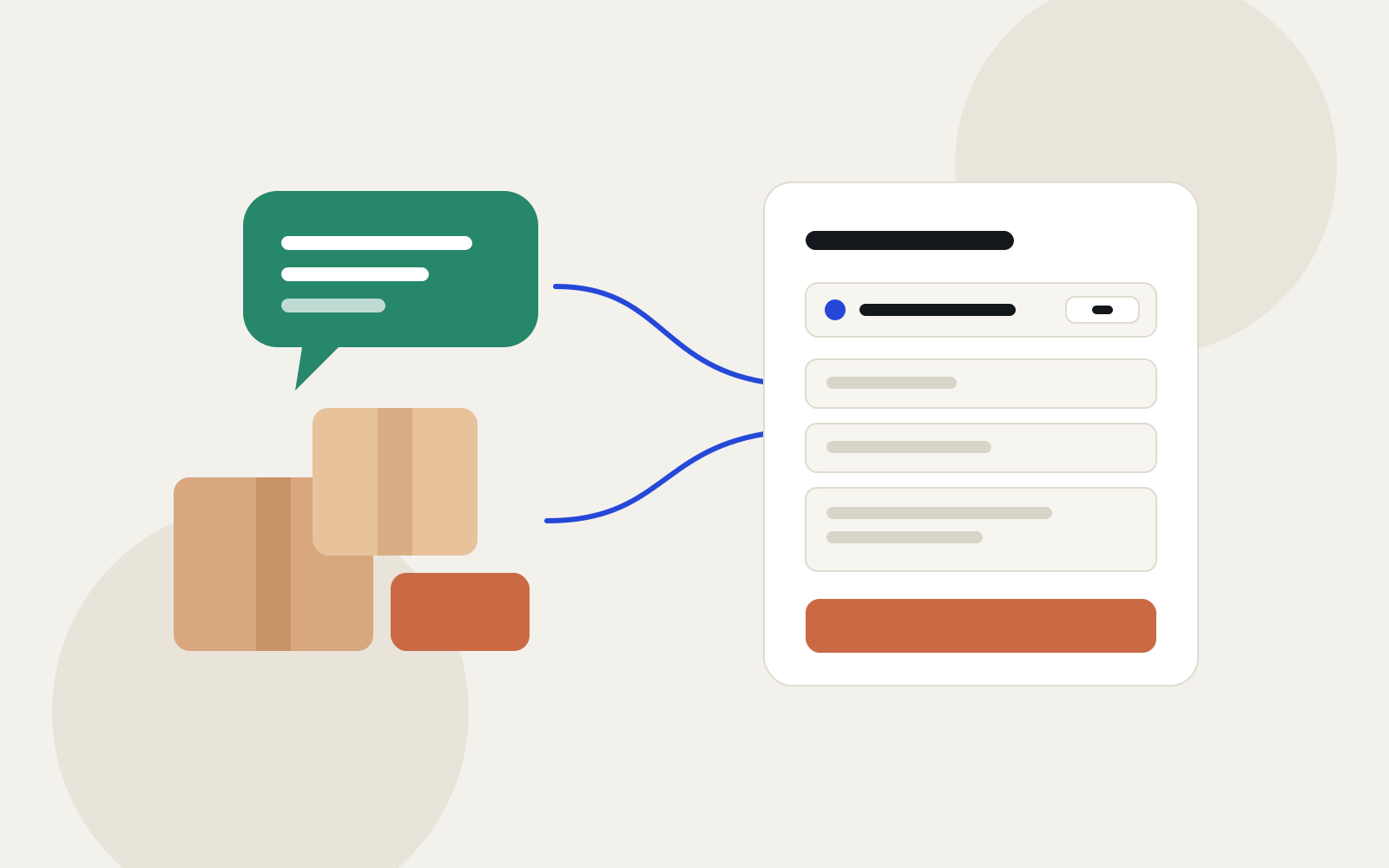
“In stock? How much? Do you deliver? Where to?” Every order in direct messages starts with a string of questions, and then its details get lost among the chats. A simple order form does not replace the conversation, but it makes every order arrive complete: what, how many, for whom and where to.
The fields an order needs
- The product, from your list.
- Quantity.
- Full name.
- Phone number, ideally a WhatsApp number.
- Delivery address: city, district, street and building.
- Preferred way to pay.
- Order notes, optional.
Payment: ask how, then confirm yourself
Formza does not take payments inside the form. So ask the customer which way suits them, such as cash on delivery or a bank transfer, then confirm the order and the amount with them on WhatsApp. Say so in the form's description so nobody thinks the order is already paid.
Where to put the link
- In the link in your Instagram bio.
- In your first reply to any “I'd like to order” message.
- In your stories, next to the product photo.
- As a QR code on the bag or the thank-you card, so reordering is easy.
Follow the orders in a table
Every order lands in Formza's responses table, and an email reaches you for each new one if you turn notifications on. If you send the orders to Google Sheets, you can track each one's status there in a column of its own: confirmed, out for delivery, delivered. And if some of your customers speak English, the same link carries both languages.
The “Order form” template comes with these fields in Arabic and English. Once you copy it, put your product names in place of “Product one, two, three” and change the payment options to the ones you accept.


