

If your audience speaks more than one language, the question is not whether to translate but how. The choice looks cosmetic, yet it decides what your data looks like a week after you publish.
Why language matters at all
In its 2020 “Can't Read, Won't Buy” study, CSA Research surveyed more than 8,700 consumers in 29 countries. 76% said they prefer to buy products with information in their own language, and 40% said they never buy from websites in other languages. A form is not a store, but the logic carries: people who read in their own language understand the question and finish.
Option one: a form per language
It looks easier at first: copy the form and translate it. But every later change has to be repeated in each copy, replies arrive in several tables, and you merge them by hand before any analysis. Any small difference between copies, a missing option or a different order, makes the comparison unreliable.
Option two: one form, several languages
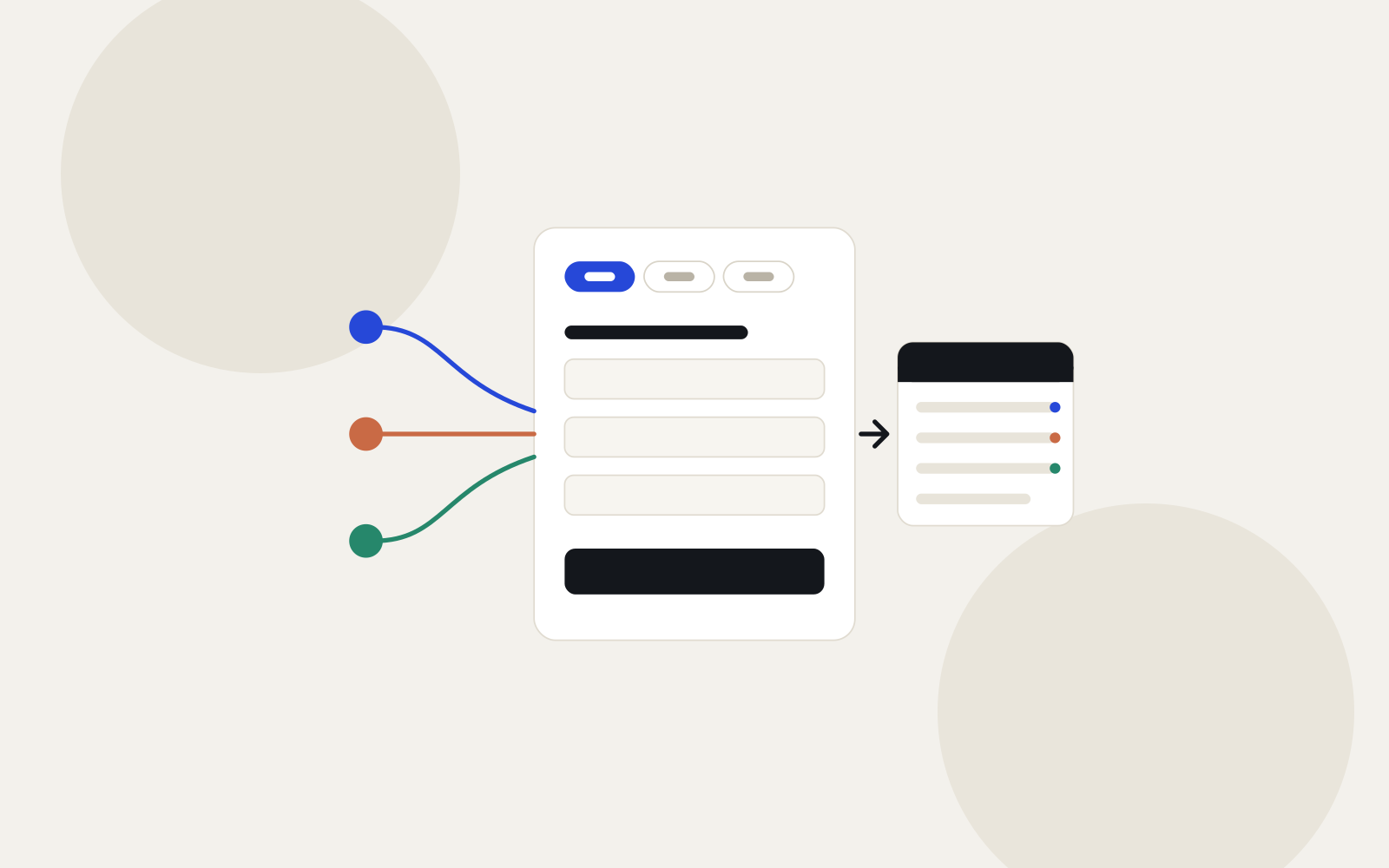
One question with a translation per language. The visitor picks a language, and every reply lands in the same table whatever the language. You edit once, the analysis covers everyone, and you can see how submissions split by language.
- Choose a form per language when the questions themselves differ between audiences.
- Choose one form in several languages when the questions are the same and you want to compare answers.
How it works in Formza
- Add languages from Settings → Languages & translations, and translate the questions by hand or with Formza AI.
- A language with no translated text is not offered to visitors, and untranslated texts show in the primary language.
- The welcome screen can ask visitors for their language before they start.
- “Form texts” put the buttons and messages in your own words for each language.
- The analytics page shows submissions split by language, and every reply exports in one file.
Sources
- CSA Research — Can't Read, Won't Buy (B2C), 2020: a survey of 8,709 consumers in 29 countries (csa-research.com).


