

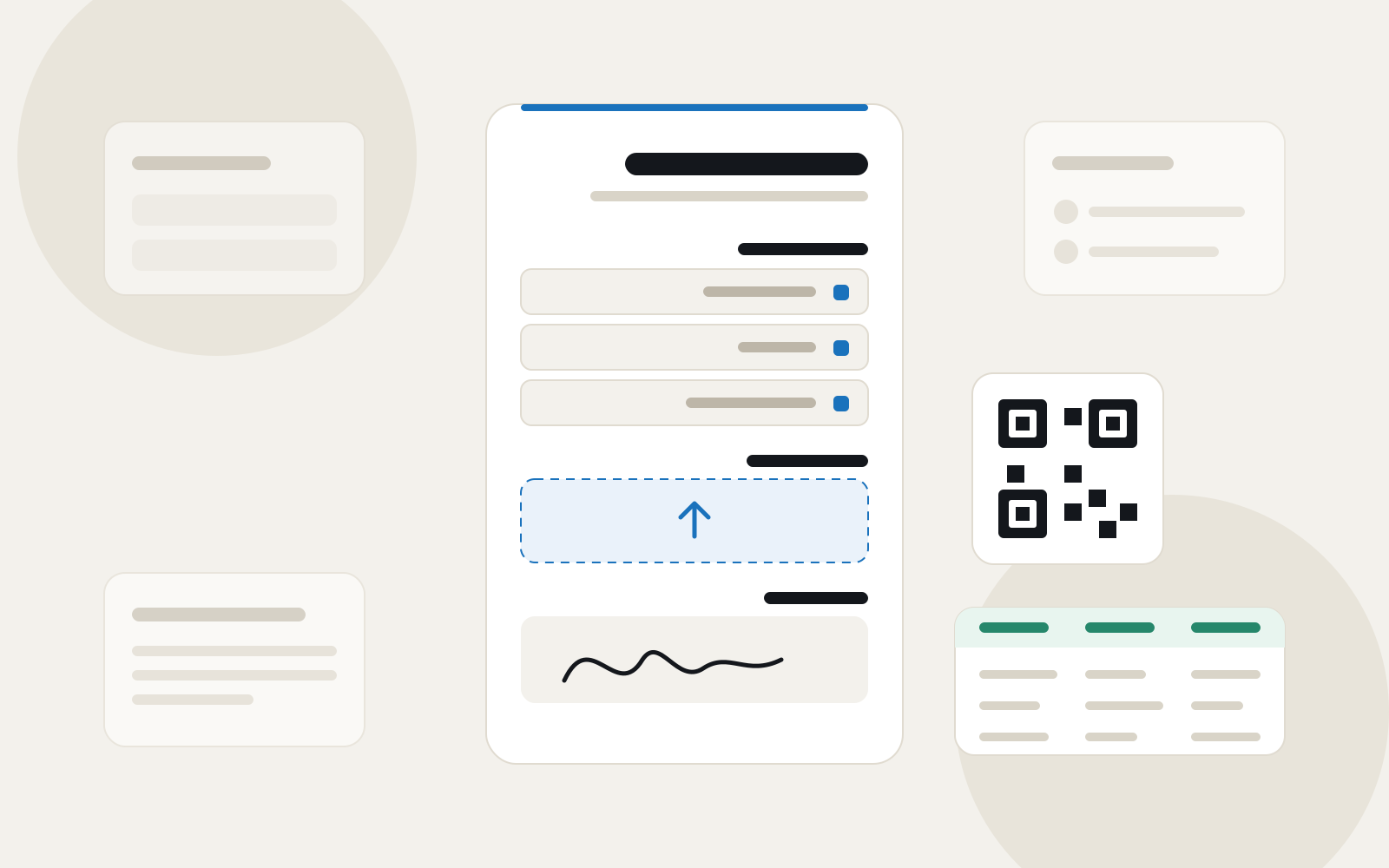
Most people looking for a form builder start with one of three names: Google Forms because it is free and already in their Google account, Microsoft Forms because it comes with Microsoft 365 in many companies and schools, and Jotform because it has the biggest library of templates and features. All three are good tools, but each was designed for a different audience, and their limits show when your form is in Arabic, aimed at customers outside your organisation, or needs a clear brand.
Here we compare them with Formza as they stand in October 2026, from each tool's own pricing and help pages, linked at the end. Because we are the Formza team, we also say plainly when the other tool is the better choice.
The short answer, in a table
| Feature | Formza | Jotform | Google Forms | Microsoft Forms |
|---|---|---|---|---|
| Price | Free, Pro on the pricing page | Free, then from $39 a month ($34 billed yearly) | Free with a Google account | Free with a Microsoft account, and in Microsoft 365 |
| Forms on the free plan | Unlimited within fair use | 5 active forms | Unlimited | Up to 400 forms and quizzes |
| Responses on the free plan | Unlimited within fair use | 100 a month, 500 stored in total | Unlimited | 200 per form on a free personal account |
| Arabic & RTL | Arabic-first | Through CSS, per its support answers | Follows the text direction | Supported |
| One form, several languages | 3 free, 24 on Pro | Available, translated by hand | Not built in | Up to 11 languages, translated by hand |
| One question per step | Conversational mode | Card forms | By sections | By sections |
| File uploads without an account | Yes | Yes, 100 MB free | Requires signing in to Google | Only for people in your organisation |
| The tool's branding on the form | Hidden on Pro | Shown on the free plan | Shown | Shown |
| Built-in QR code | In your colours, logo on Pro | Available | Not built in | Available |
Jotform: the biggest library, the tightest free plan
Jotform says it has more than 20,000 ready templates, and it offers things few tools do: many payment gateways, document signing, apps and approval workflows. If your form is a small shop that takes payments, or a contract that needs a formal signature, it is a strong choice.
But the free Starter plan is tight: 5 active forms, 100 responses a month, 500 responses stored in total and 100 MB for files, with Jotform's branding on the form. After that, Bronze costs $39 a month ($34 billed yearly) for 25 forms and 1,000 responses a month, Silver $49 ($39 yearly) for 50 forms and 2,500 responses, and Gold $129 ($99 yearly) for 100 forms and 10,000 responses.
On Arabic in particular, Jotform's support answers point to adding CSS code in the design tab to make a form right-to-left, including an answer from September 2025 for a two-language form. It works, but it is extra work you need on every form.
Google Forms: free and simple, within Google's limits
Google Forms is completely free, responses go straight to Google Sheets, and anyone with a Google account knows how to use it. For a simple internal form in one language, such as a poll among colleagues or an attendance sign-up, you may need nothing more.
The limits show once the form goes out to customers. A file upload question, according to Google's own help, requires the respondent to sign in to a Google Account, and the files are saved in the form owner's Drive. Design is limited to a colour, a header image and a font from a short list, there is no single form in several languages, and one question per step is only possible by splitting the form into sections.
Microsoft Forms: good inside the organisation
If your company or school runs on Microsoft 365, Microsoft Forms is ready with no setup, and works with Excel and Teams. Microsoft's support page states its limits clearly: up to 400 forms and quizzes, up to 200 questions per form, and up to 5,000,000 responses per form on work and education accounts. A free personal account (Outlook or Hotmail) stops at 200 responses per form, and a paid personal account at 1,000.
It is designed for internal use more than public campaigns. A file upload question is only available when the form is limited to people in your organisation, according to Microsoft's answers, so a customer outside it cannot upload a file. Multi-language forms reach up to 11 languages, but you translate every text by hand. One question at a time is only possible by splitting the form into sections, and design options are limited.
What Formza does differently
Formza is designed for forms that go out to people, and for Arabic first. The free plan has unlimited forms and responses within the fair use policy, with no trial period and no card. These are the main differences:
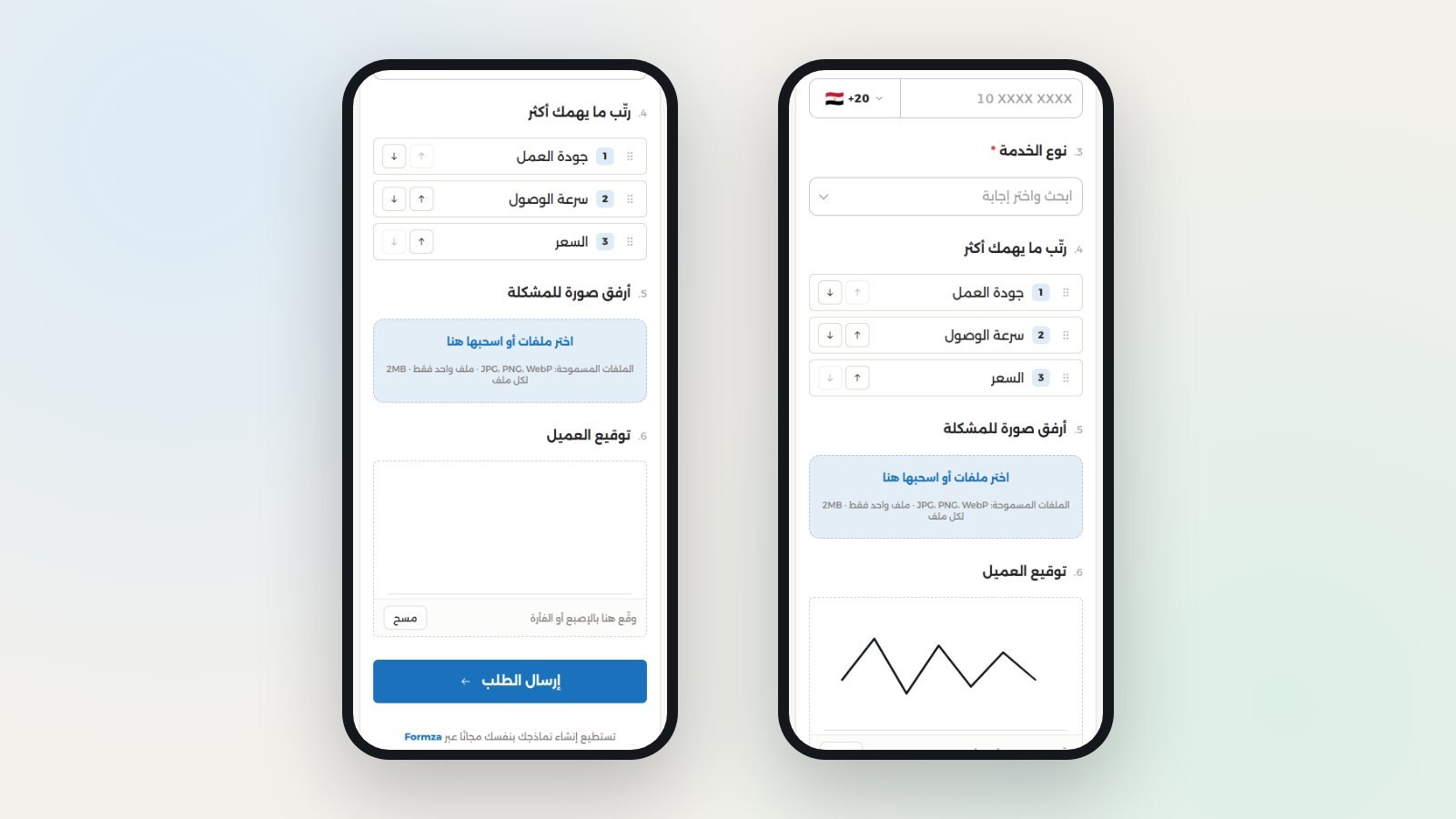
- Arabic from the start: the font, direction and numbers, a phone field with country codes, and ready lists such as countries with their flags, Egyptian governorates and banks, without any code.
- One form, several languages: 3 free and 24 on Pro, the visitor picks theirs, and every response lands in one table, with AI translation you review before publishing.
- Two layouts for the same form: standard with every question on one page, or conversational with one question per step, switchable whenever you like.
- Advanced questions: ranking, grid, finger signature, ratings with stars, hearts or faces, and file uploads with no respondent account.
- Your brand: your colours, font, logo and cover, with light and dark themes. On Pro, Formza's branding disappears and a loading screen shows your logo.
Sharing: QR, WhatsApp and embedding
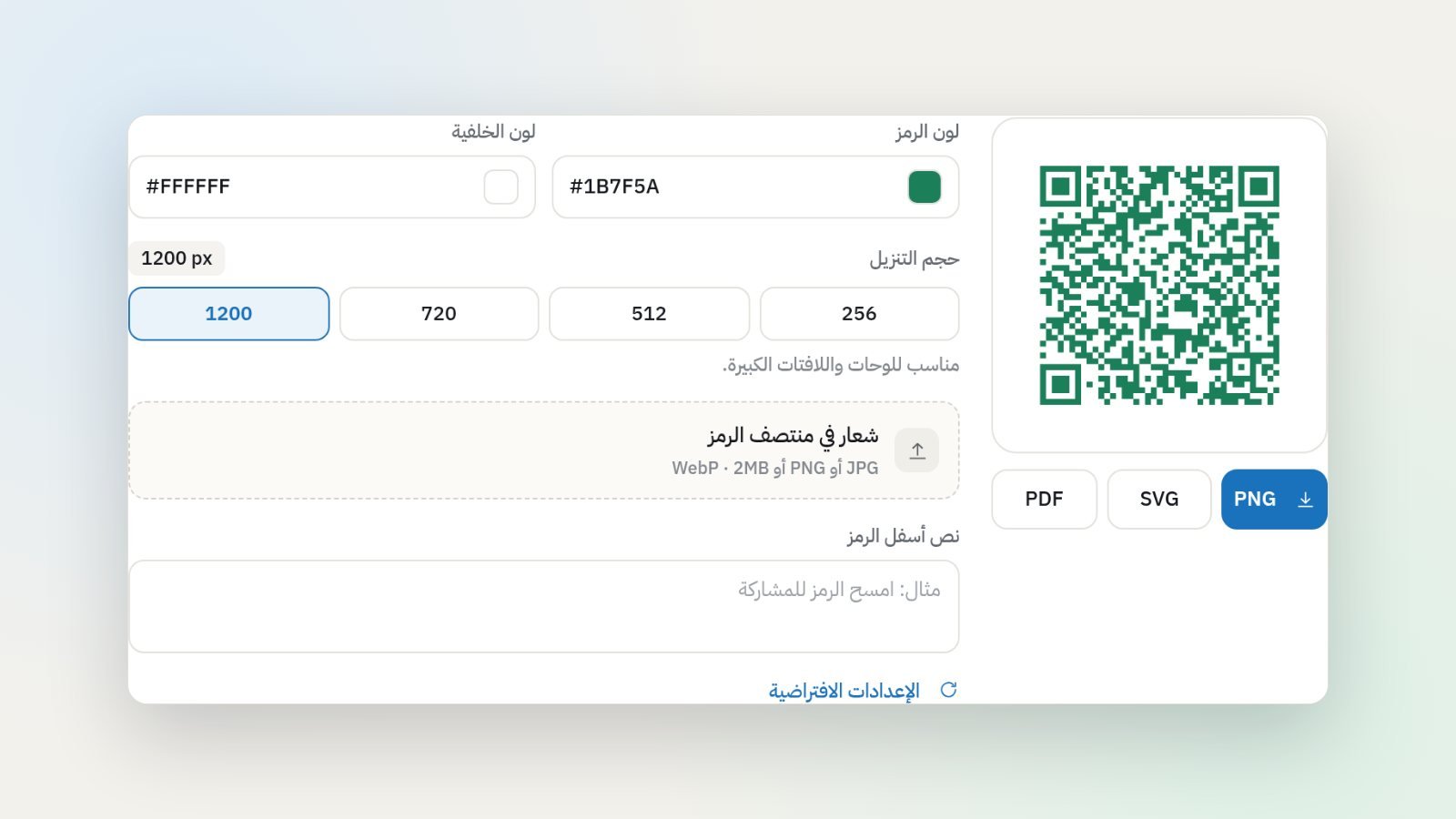
The share window gives you the form's link in each language, WhatsApp, Facebook, LinkedIn, X and email buttons with ready texts, and the embed code for your site. A QR code is built in, in your colours, downloadable as PNG, SVG or PDF to print on receipts and signs, and on Pro your logo sits in the middle. If you pick two colours that are too close, the window warns you before you print a code a camera cannot read.
Responses: a table, Google Sheets and Excel
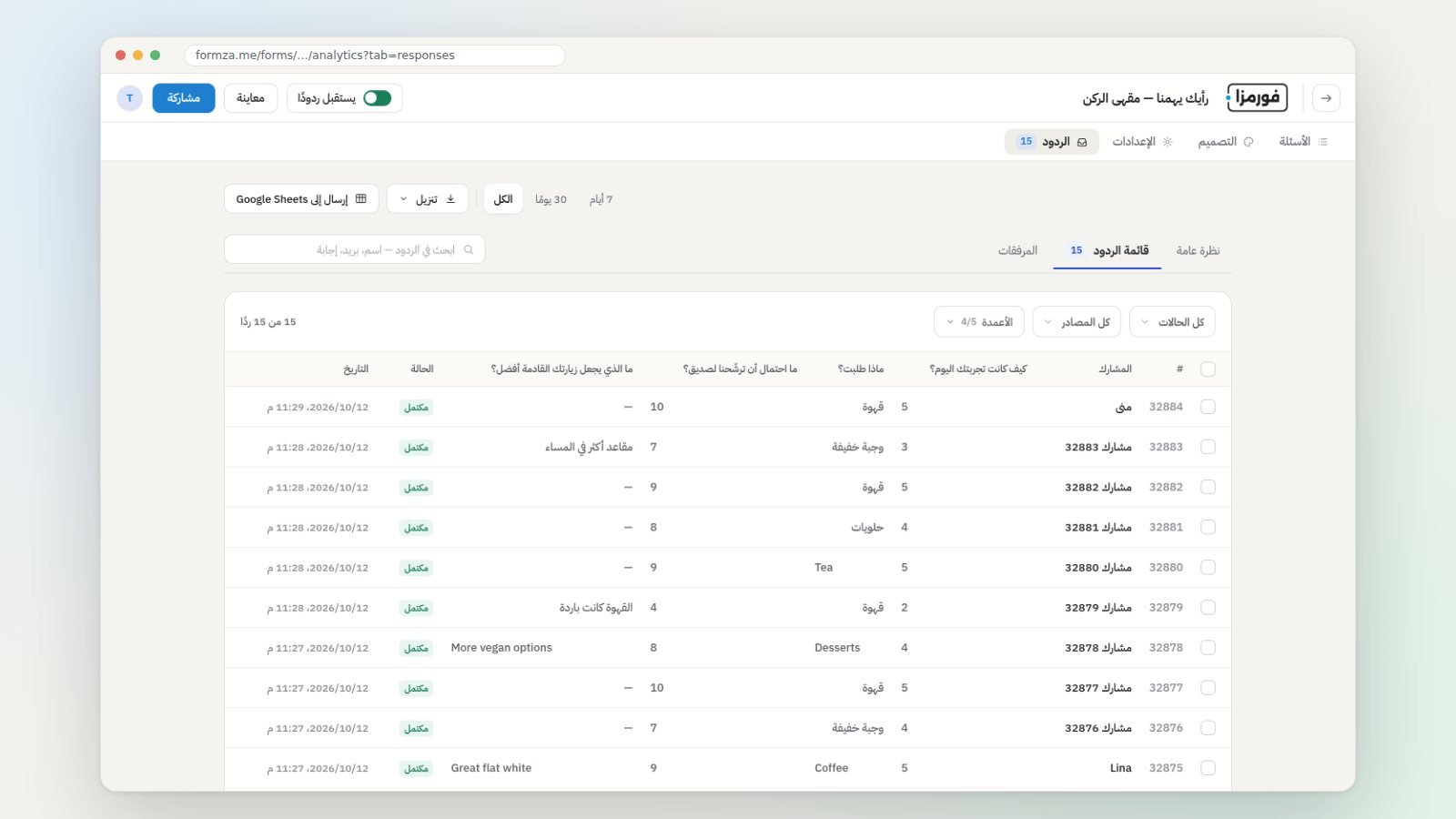
Responses arrive in a table you can search and filter, and an email reaches you for each new one if you turn notifications on. Export them to Excel or CSV, or send them to Google Sheets as a row per response, just as Google Forms does. The results page shows traffic sources, the question where people who did not finish stopped, and the average of each rating question. If your form is a contest, you draw the winners straight from the responses.
Where the other tools are ahead
- Payments: Formza does not take payments inside the form today, and Jotform connects to a large number of payment gateways.
- Formal signing and workflows: Jotform offers document signing and approval workflows.
- The office suite: if all your work lives in Google Workspace or Microsoft 365, the tool built into it is closer to your team.
- School quizzes: Google Forms and Microsoft Forms offer a graded quiz mode for teachers.
When to pick each
- Google Forms: for a simple internal form in one language, and a team that works inside Google.
- Microsoft Forms: for staff and student surveys inside an organisation on Microsoft 365.
- Jotform: for forms that take payments or need formal signatures and approval workflows, with a budget for a paid plan.
- Formza: for forms aimed at customers or the public, in Arabic or several languages, where you want your brand, a QR code and the conversational layout without a tight monthly response cap.
How to start in Formza
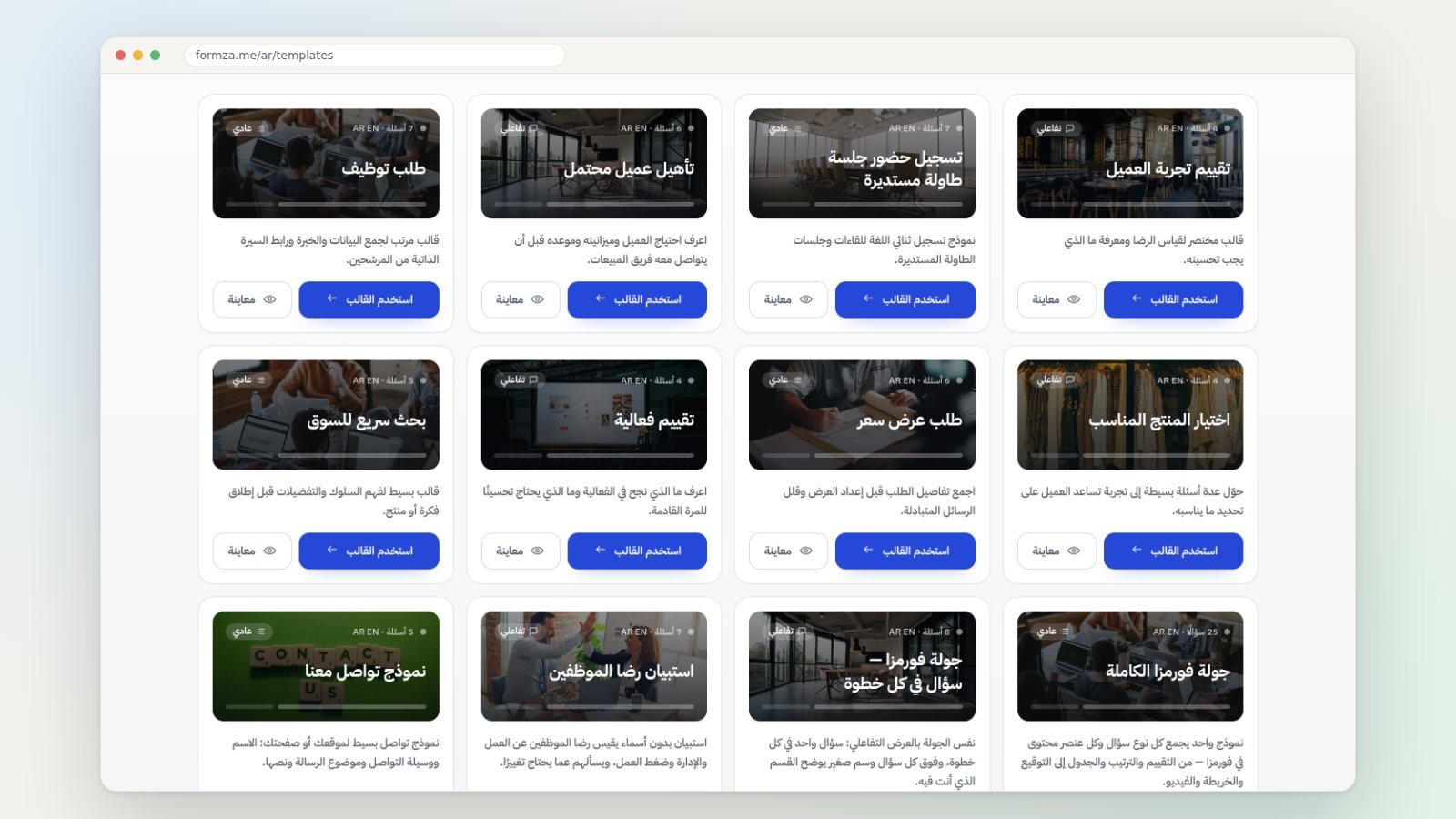
- Pick a template close to your form from the gallery, or describe it to Formza AI.
- Adjust the questions, add a second language if you need one, and choose standard or conversational.
- Set your colours and logo, then publish.
- Share the link or the QR code, and connect Google Sheets if you like.
There is no direct import from Jotform, Google Forms or Microsoft Forms today, so the questions move over by hand or through Formza AI. For the full row-by-row comparison with Google Forms and SurveyMonkey, see the comparison page: https://formza.me/en/compare
Frequently asked questions
What is the best free Jotform alternative for Arabic? If the free plan's limit (5 forms and 100 responses a month) is what holds you back, Formza offers unlimited forms and responses within the fair use policy, with full Arabic design and no code.
Can someone upload a file in Google Forms without a Google account? No. Google's help says respondents need to sign in to a Google Account to answer a file upload question. In Formza the respondent uploads their file with no account at all.
How many responses does Microsoft Forms accept? Up to 5,000,000 per form on work and education accounts, 200 on a free personal account and 1,000 on a paid personal account, according to Microsoft's support page.
Does Formza show its logo on my form? On the free plan a small Formza mark appears; with Pro it disappears so only your brand shows.
Sources
- Jotform pricing page and plan limits, checked on 12 October 2026: https://www.jotform.com/pricing/
- Jotform template gallery: https://www.jotform.com/form-templates/
- Jotform support answer on right-to-left forms, September 2025: https://www.jotform.com/answers/30939421-rtl-form
- Jotform help on multilingual forms: https://www.jotform.com/help/298-how-to-make-your-forms-multilingual/
- Jotform help on Card forms: https://www.jotform.com/help/491-how-to-create-a-jotform-card/
- Google help on question types and file uploads: https://support.google.com/docs/answer/7322334
- Microsoft support on sending a form in multiple languages: https://support.microsoft.com/en-us/forms/send-a-form-in-multiple-languages
- Microsoft Q&A on file uploads when anyone can respond: https://learn.microsoft.com/en-us/answers/questions/5608206/file-upload-option-is-greyed-out-when-anyone-can-r
- Microsoft support on sharing a form and its QR code: https://support.microsoft.com/en-us/forms/share-a-form
- Microsoft support on form, question and response limits: https://support.microsoft.com/en-us/office/form-question-response-and-character-limits-in-microsoft-forms-ec15323d-92a4-4c33-bf88-3fdb9e5b5fea
- Formza pricing and fair use: https://formza.me/en/pricing


